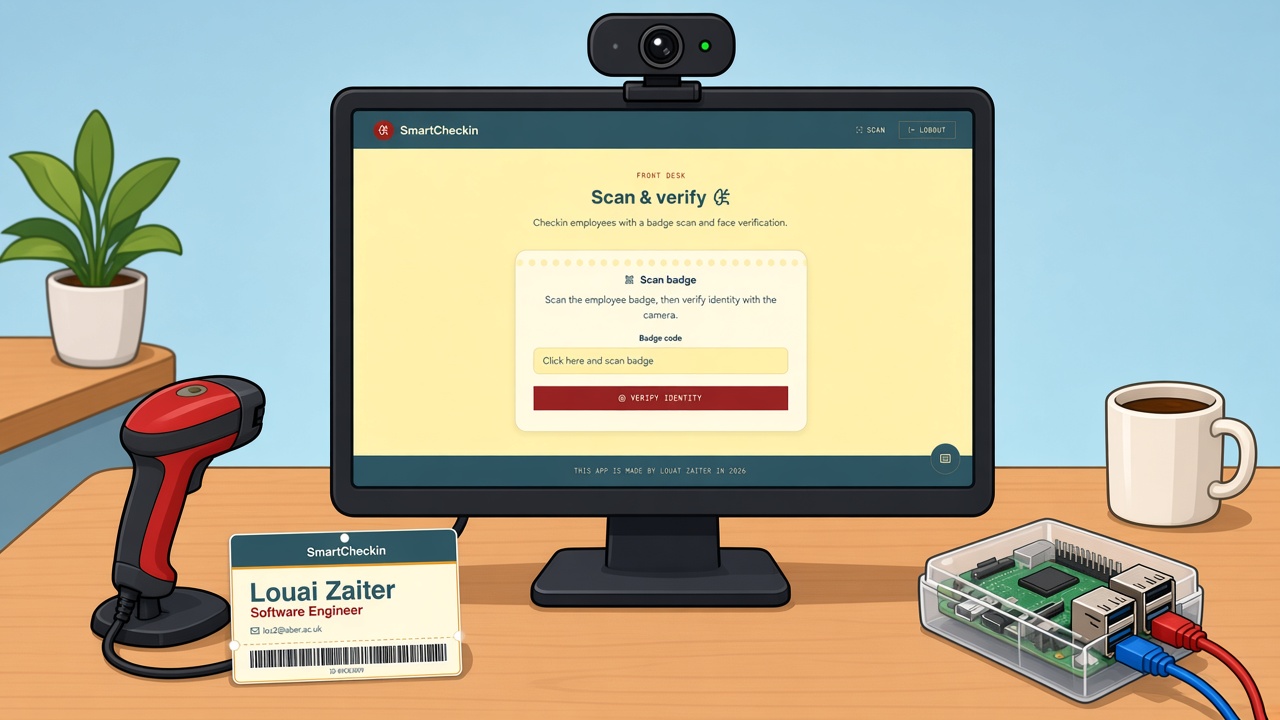
Watch a full walkthrough
From printing a badge to logging a checkin, see exactly how SmartCheckin works in under a minute.
Fast to run, easy to trust
Everything you need to manage checkins for employees, guests, or event attendees.
Badges
Add employees or guests once and SmartCheckin generates a printable badge with a unique QR code or barcode for each person — pick whichever fits your setup, per person, right from their profile. Print a single badge on demand or export the whole roster as one PDF before an event.
Scan
Point a camera at a QR badge and SmartCheckin logs the checkin in well under a second, no typing or manual lookups — any webcam works, so there's nothing special to buy to get started. Already have a handheld barcode scanner at the front desk? Switch a badge to barcode and it types straight into the same scan screen.
Browse
See every employee or guest in one list, search it instantly, and open a full checkin history for anyone. Edit a record, pull up their attendance timeline, or export the whole list to CSV or PDF in a couple of clicks.
Face recognition
Check people in automatically the moment they step in front of the camera, no badge required. It's built on the same offline face-matching engine already powering photo verification in the app today.
Watch every checkin happen instantly
SmartCheckin verifies a face or scans a badge in under a second and logs the checkin automatically — no fumbling with sign-in sheets or manual lookups at the door.
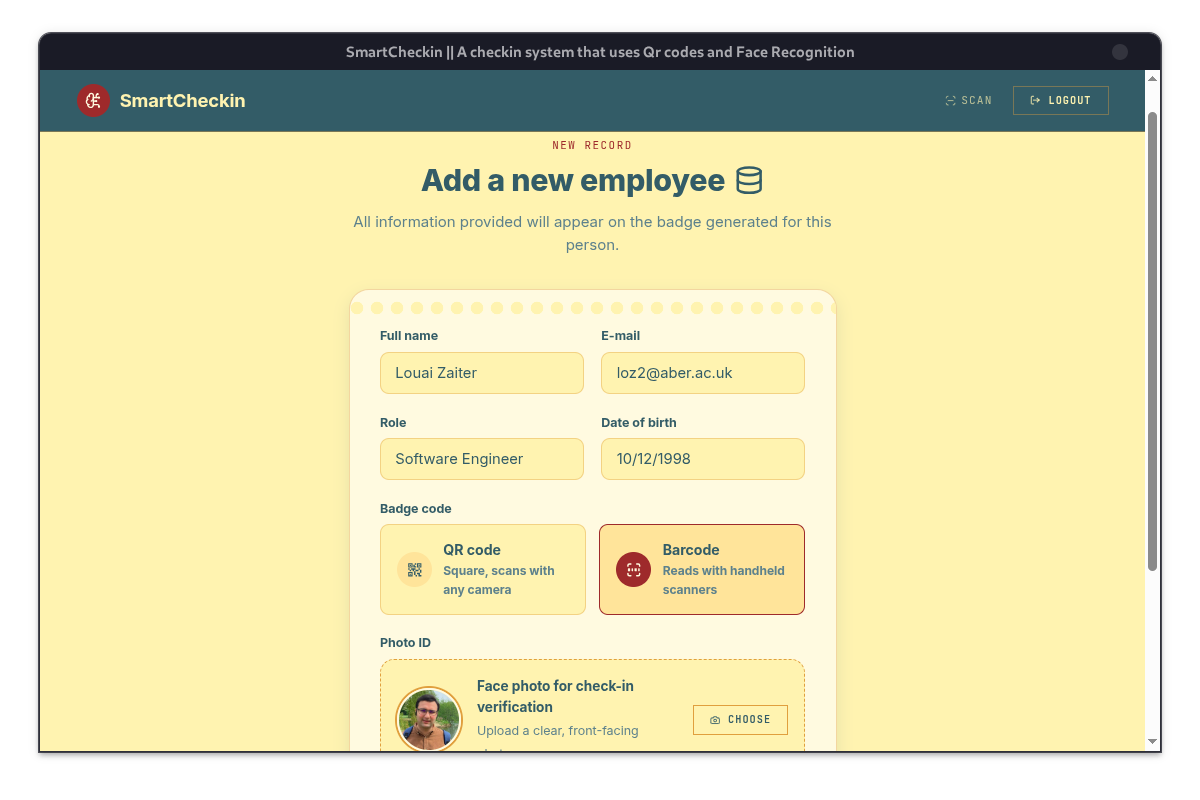
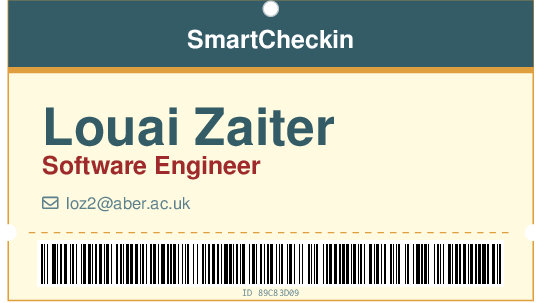
Print badges with QR codes or barcodes
Generate and print a badge for every employee straight from the app — QR code for a webcam or phone camera, or barcode if you're already running a handheld scanner. Scan it back with SmartCheckin to check someone in in under a second.
See how it worksPlans built around real hardware
Every plan ships as a ready-to-run kiosk kit — pick the one that matches how many front desks you're running. The backend can also be deployed locally on your own network, so the whole system runs 100% offline with no cloud dependency. Click a plan to email us and we'll get you set up.
Starter Kit
349€ one-time
One kiosk, everything in the box.
- Raspberry Pi, pre-configured
- 7″ touchscreen & case
- Camera for face check-in
- Runs fully offline, 1 device license
Business Kit
549€ one-time
Everything in Starter, plus a handheld scanner.
- Raspberry Pi, touchscreen & camera
- Handheld QR/barcode scanner
- Deploy locally — 100% offline, no cloud
- Priority support & 1 year of updates
Multi-Site Kit
1.499€ one-time
3 full kiosks for multiple desks or locations.
- 3× full kiosk kits with scanners
- 3 device licenses, one shared roster
- Self-host the backend on-site, offline-first
- Dedicated onboarding call
Request a demo
SmartCheckin runs on Linux, macOS, and Windows. For high-volume scanning we recommend pairing it with a Raspberry Pi and a badge scanner. The whole stack — app and backend — can be self-hosted on your own local network, so it works 100% offline.
We'll only use your email to send you a demo — no spam.